

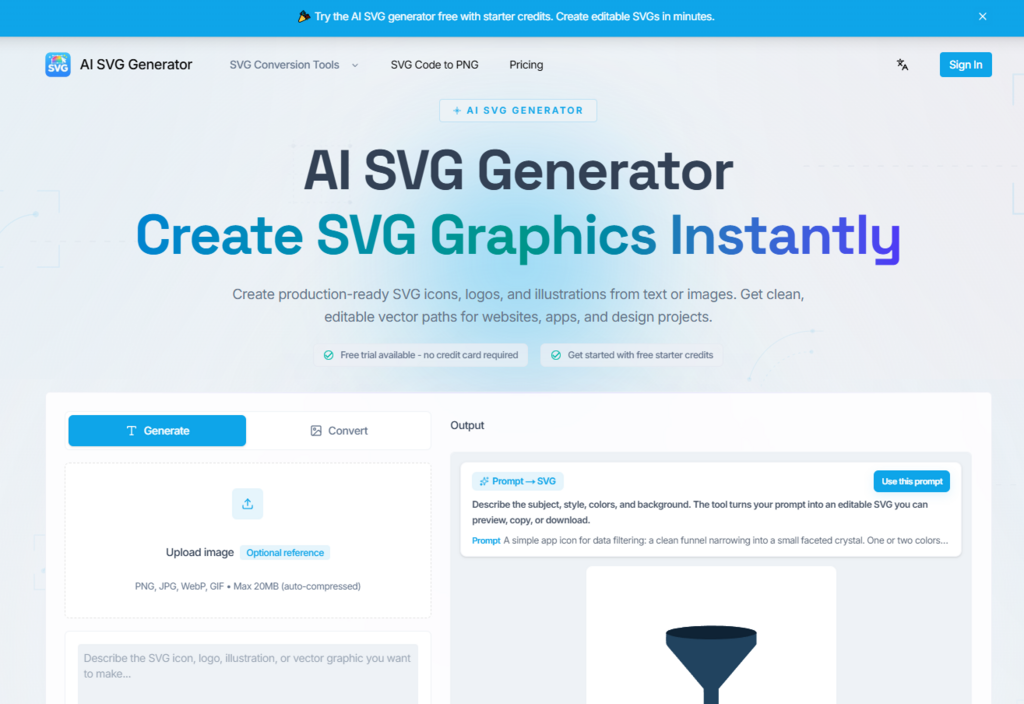
Vector graphics remain the backbone of modern interface design, yet producing clean SVG assets has always required either manual drawing in Illustrator or hunting through icon libraries that never quite match a project’s visual language. Recent advances in generative AI have opened a new path: describing what you need in plain language and receiving editable vector code in return. After spending time with the svg generator built around this concept, I wanted to share a structured look at where it delivers and where it still has room to grow.
The tool positions itself as an AI-powered SVG creator that accepts text prompts or reference images and outputs structured vector paths rather than rasterized bitmaps. That distinction matters because the files stay editable in Figma, Illustrator, or directly inside a React codebase. Below is a walkthrough of the actual experience, tested across several common design scenarios.
How the Generation Workflow Actually Operates
The interface keeps things minimal. Based on what the site presents, the entire process compresses into a short sequence that avoids unnecessary configuration screens.
Step One: Describe or Upload Your Visual Intent
Text Prompts Respond Best to Specific Detail
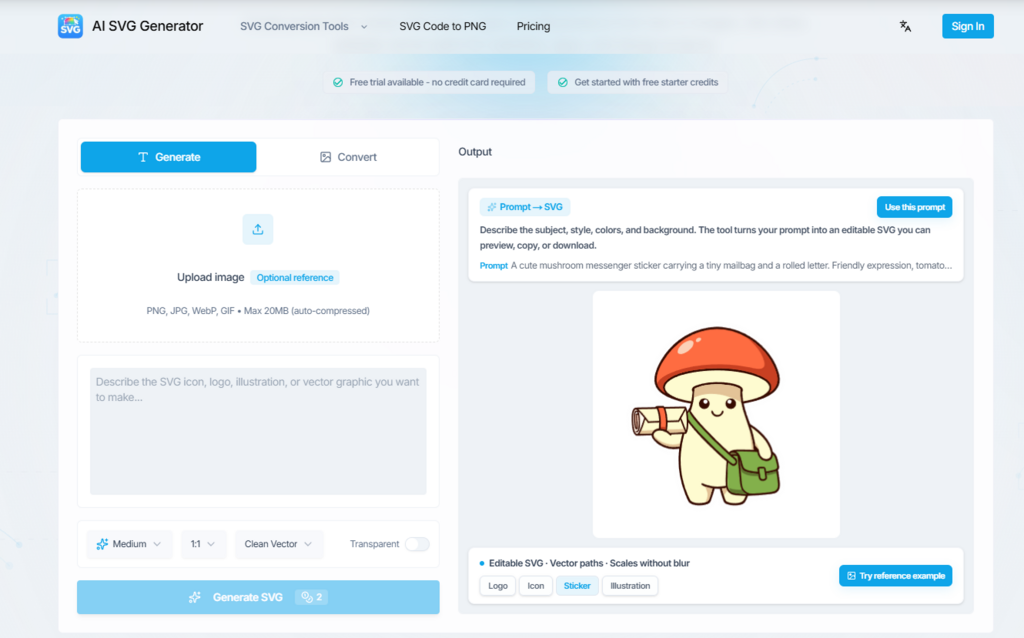
The main input field accepts natural language descriptions. In my testing, prompts that specified subject matter, color palette, composition style, and negative constraints produced noticeably tighter results than vague one-liners. You can also upload a reference image in PNG, JPG, WebP, or GIF format to guide the output toward a particular aesthetic direction.
Step Two: Generate and Evaluate the SVG Output
Preview Before Committing to Any Download
After submitting, the tool returns an SVG preview alongside the raw code. The output preserves individual path nodes, grouped layers, and clean viewBox coordinates. From a practical user perspective, this means the file opens in design tools with its structure intact rather than arriving as a single flattened shape. If the first result misses the mark, you can adjust the prompt language and regenerate without penalty beyond credit usage.
Step Three: Export the File or Copy the Code
Multiple Handoff Options for Different Teams
Download options include the SVG file itself, and the interface supports copying optimized inline markup suitable for direct use in web components. The site indicates compatibility with React JSX workflows, Tailwind CSS styling, and standard design tool imports.
Testing Across Four Common Design Scenarios
Rather than listing features in isolation, I ran the tool through tasks that reflect how SVG assets typically get requested in real projects.
Logo Concepts for Early Brand Exploration
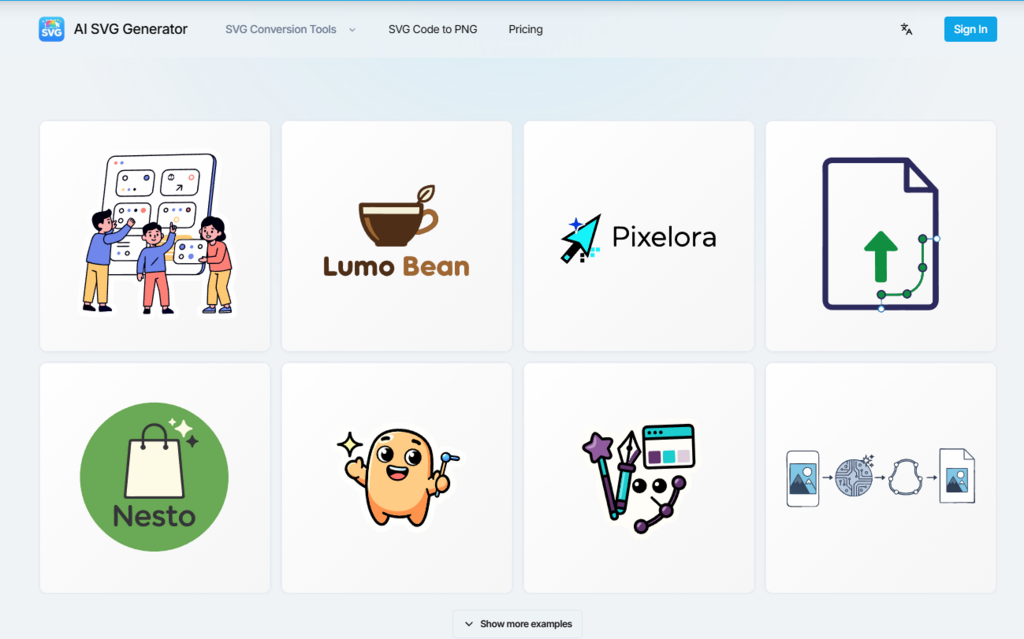
The prompt gallery suggests geometric symbol marks and brand-style compositions. When I tested a prompt describing a minimal compass icon with navy and copper tones, the output delivered distinct shapes with separated color fills. The paths were editable individually, which matters for refinement in Figma. It appears that simple geometric logos with limited color palettes produce the most reliable results, while highly detailed illustrative logos may require multiple generation attempts.
UI Icons for Product Interfaces
Generating a 24-pixel line icon for a dashboard context returned clean stroke paths with consistent weight. The result integrated into a component library without manual redrawing. For teams maintaining icon sets, this svg generator approach could reduce the cycle of requesting, waiting, and revising custom icons from a designer.
Illustrations for Landing Pages and Empty States
Flat-style hero illustrations came through with layered groups that separated foreground elements from backgrounds. The visual quality appeared suitable for SaaS landing pages and onboarding screens. More complex scenes with multiple characters or intricate textures showed greater variation between generations, suggesting that prompt specificity becomes increasingly important as visual complexity rises.
Cut Files and Sticker Graphics for Physical Products
The platform includes prompt templates targeting Cricut-compatible cut files and merchandise graphics. Tested sticker-style outputs maintained closed paths, which is essential for vinyl cutting workflows. Sellers on platforms like Etsy could potentially use this to prototype seasonal designs faster, though final production files would still benefit from manual path cleanup in a dedicated vector editor.
Where the Tool Fits Against Existing Options
| Dimension | AI SVG Generator | Traditional Icon Libraries | Manual Vector Drawing |
| Custom visual direction | High, prompt-controlled | Low, pre-designed sets | High, full creative control |
| Time from idea to asset | Minutes per variation | Seconds to browse, limited options | Hours per asset |
| Output editability | Full vector paths preserved | Varies by library format | Full native editability |
| Learning curve | Low, natural language input | Very low | High, requires design software skills |
| Consistency across sets | Depends on prompt discipline | High within a single library | High with skilled designer |
| Best suited for | Rapid prototyping, unique assets | Standard UI patterns | Polished brand deliverables |
Pricing Operates on a Credit System
The site offers free starter credits with no credit card required, then two monthly subscription tiers. The Standard plan runs at nineteen dollars and ninety cents per month for one hundred credits, while the Pro plan costs thirty-nine dollars and ninety cents per month for three hundred fifty credits. Each generation consumes between one and four credits depending on complexity. Downloads and exports do not consume additional credits. All paid tiers include commercial usage rights.
Honest Limitations Worth Knowing Before You Start
No generative tool produces perfect output every time, and this one is no exception. Prompt quality has an outsized impact on results. Vague descriptions tend to return generic compositions, while overly ambitious prompts describing intricate multi-element scenes may need several regeneration cycles before landing on something usable. The vector structure is generally clean, but complex outputs occasionally include redundant nodes that benefit from manual optimization in a design tool.
It also bears noting that while the tool handles geometric styles, icons, and flat illustrations well, photorealistic or highly detailed artistic styles fall outside what SVG as a format can naturally represent. Users expecting bitmap-level detail will want to calibrate their expectations toward the strengths of vector output.
Who Benefits Most From This Workflow
For frontend developers who need lightweight, code-ready SVG assets without opening a design application, the tool removes a meaningful bottleneck. Product designers exploring early visual directions can generate several concept variations in the time it takes to sketch one manually. Small business owners and independent sellers producing seasonal graphics gain a faster prototyping path, though final assets for physical production should still pass through manual review.
The tool works best as an accelerator within an existing creative process rather than a complete replacement for design expertise. Teams that pair AI-generated drafts with human refinement in professional vector editors will likely extract the most consistent value from the workflow.